> For the complete documentation index, see [llms.txt](https://docs.nucleon.network/llms.txt). Markdown versions of documentation pages are available by appending `.md` to page URLs; this page is available as [Markdown](https://docs.nucleon.network/features/liquidity-pools/cfx-xcfx/withdraw-cfx-xcfx-liquidity-from-liquidity-pools.md).
# Withdraw CFX/xCFX Liquidity from Liquidity Pools
1. Manually enter the amount that you would like to withdraw, or simply use the slider, and then click on Withdraw Liquidity.
2. Check transaction details and click Confirm.
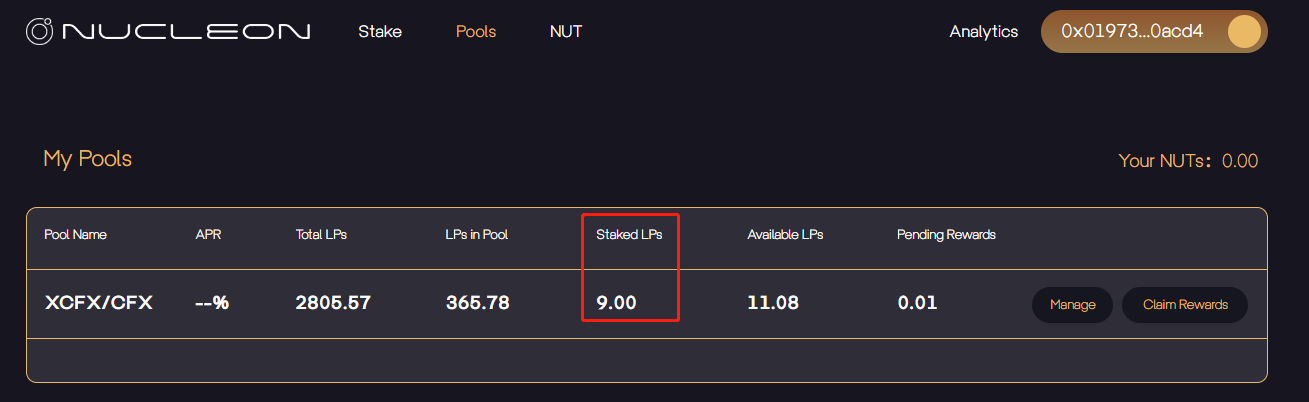
3. You have successfully withdrawn liquidity, and Nucleon will now show the updated balance.