# Unstake CFX

Users are able to unstake certain amount of the asset that was originally committed to staking and this will be displayed instantly on your dashboard.

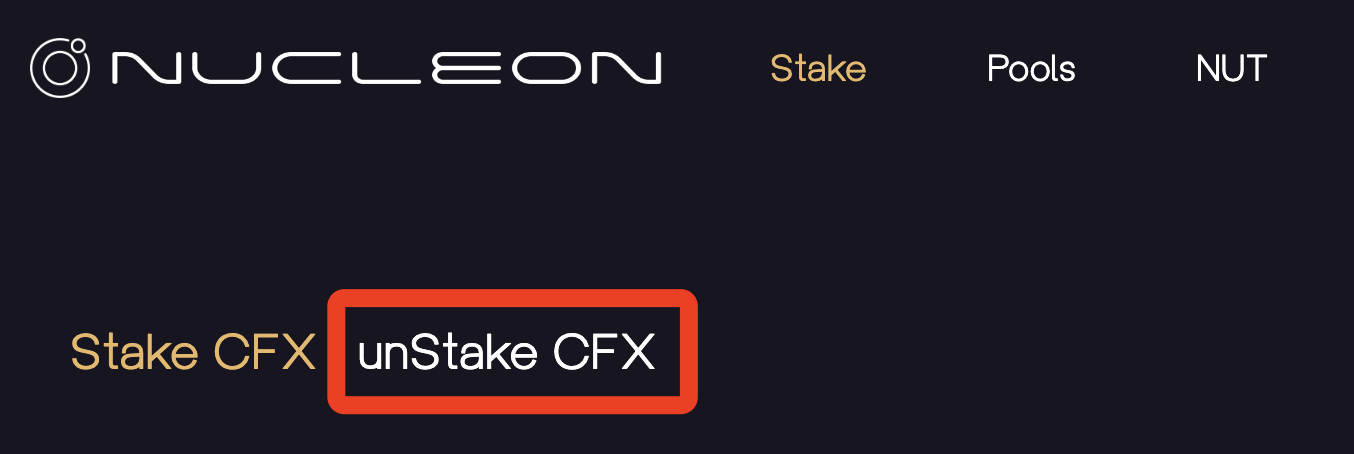
1. Click on Stake.

<figure><img src="https://lh3.googleusercontent.com/NengAjd58Z1JQPKn6xkwwov_ozlgOhYHTTaLHIsbTy9gOB4H-LjRSLHsxed820ZgdFZP5Tm8Nvq8u0MfcT9lgC23Fu4BgPJDgKdKZRQ1eRY0U9Oir2kDwo-NxGpKQgeJl52gBbLyB-2oaKcPFjAfql4sg0JmXEIyygAElJF3vquFXuRQZlHo6FeplYYi7g" alt=""><figcaption></figcaption></figure>

2. Click on unStake CFX.

<figure><img src="https://lh6.googleusercontent.com/vz7z1xk0k06j6cyyc6po1VB8R2ifJX4roH_xKCpvQHMl9p53BSChzwE4OdrdOPw91QxX4I2QbyEISk1GGIDbcxG0vDIYl7FWoxCdxPFn-rf7QH0aNhvfFhdF47BF8SXY9h0EtTdcnxEMGwEk-Ta6Pn4AYHX_tBsoepe8OzGycJZd3HPhhPQhFz1caHixWA" alt=""><figcaption></figcaption></figure>

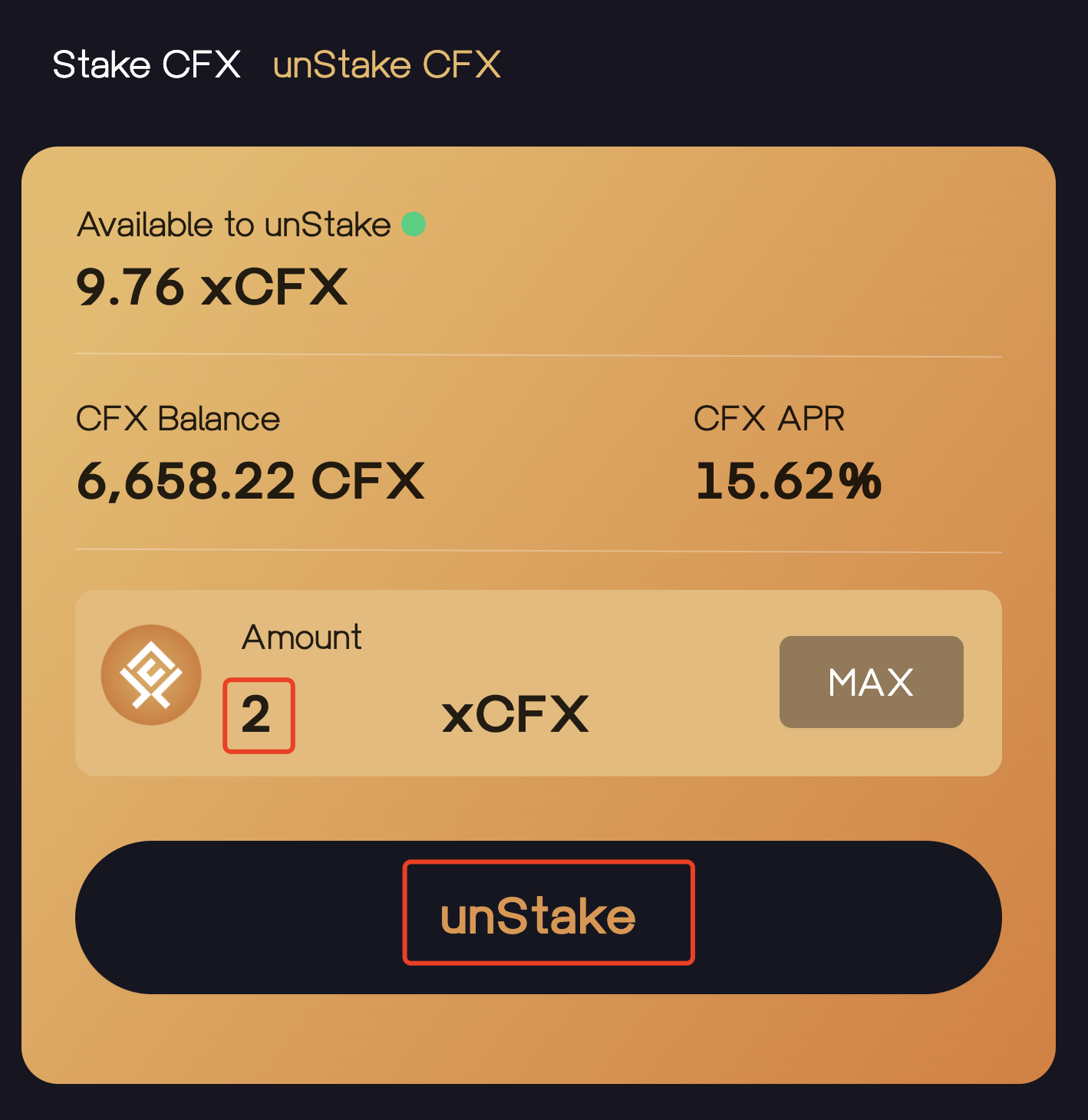
3. Input the amount of CFX that you would like to unstake, and click unStake.

<figure><img src="https://lh6.googleusercontent.com/mCLR5MfVBxk89GMWwTiYgIqBdYndWZXpfivACp64R5Umix30EaTa27zMlZYqNJdx_iVIg5FS5w3I0_GvMRwOsh3DBpgPcqt8xq3COWBB_1UH6TllbGUzrXpGnYMod63TxcqFfB0Qeu5JWD1sCu8e1iFWzazSWL82Ln7XbP7iF5hjdQ66nKGLvSiqwrJvpg" alt=""><figcaption></figcaption></figure>

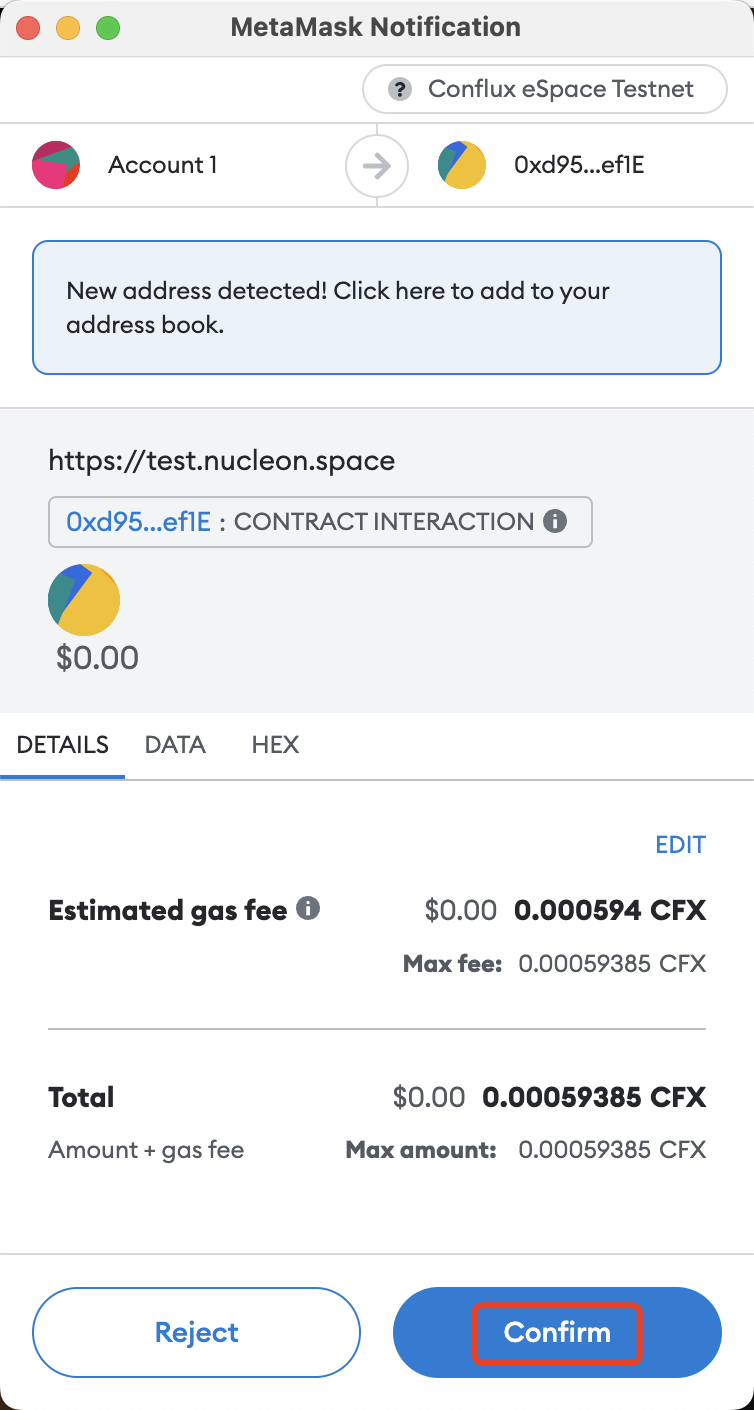
4. Confirm transaction details and click Confirm.

<figure><img src="https://lh6.googleusercontent.com/hj0yapoBm7nhAZQiHuLxhzBsIdWGgKjpYCaKBP1R_X5saH6fltPb_ldZv96M_cMOxnh2OvJJol14L7E4ZCUNatWpx9Iu40HF9U4Yi4gygxaP7eu4ICkw7W35iOyH0W6iYoDQ37Dk_FymXxqj_EPGdcmNYaGtgjIKOfCV03Qj7tIb8e6nkXQQbyW_GR1Ezg" alt=""><figcaption></figcaption></figure>

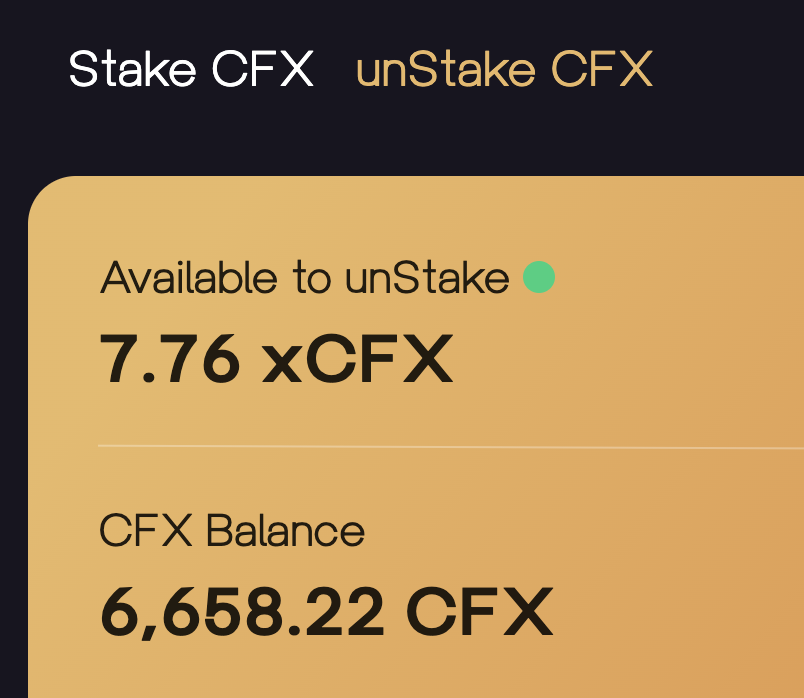
5. You have successfully unstaked CFX and this can now be viewed on your updated xCFX balance.

<figure><img src="https://lh3.googleusercontent.com/Hci2OGBI0t2mOYimwWG2rx92jYZBMR4creqE0d4pbgQEoxaidLN0tQJGvU0zmEjnhKNYvi-xW-aLEpql2fwP_URSP2ZM9NojlYsoc3-v3Zs2yZ-qeF4bydyjnyr1UFlDyCjtEtt1BcUvemERwiMt2RiwhhAZ3k_csEwu-GZilT67W_40_WylvtLvANW4gQ" alt=""><figcaption></figcaption></figure>

<br>


---

# Agent Instructions: Querying This Documentation

If you need additional information that is not directly available in this page, you can query the documentation dynamically by asking a question.

Perform an HTTP GET request on the current page URL with the `ask` query parameter:

```
GET https://docs.nucleon.network/features/cfx-liquid-staking/unstake-cfx.md?ask=<question>
```

The question should be specific, self-contained, and written in natural language.
The response will contain a direct answer to the question and relevant excerpts and sources from the documentation.

Use this mechanism when the answer is not explicitly present in the current page, you need clarification or additional context, or you want to retrieve related documentation sections.